

Link a work phase to a supplier
Linking the work phases is what turns a registered supplier into an assessable one: it is the connection the interference assessment is built on. The supplier must already exist — Add a supplier.
-
Open the office where the supplier operates.
-
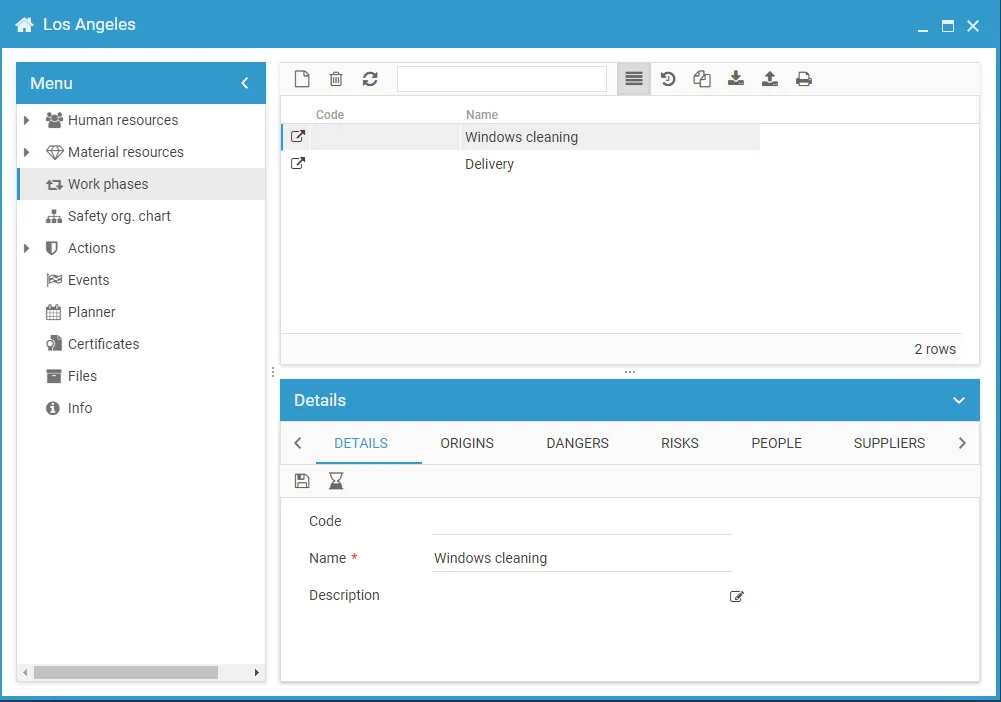
From the office menu, select Work phases.
-
Select the work phase, or add it if it is not there yet.
-
Open the work phase with the expand button.
-
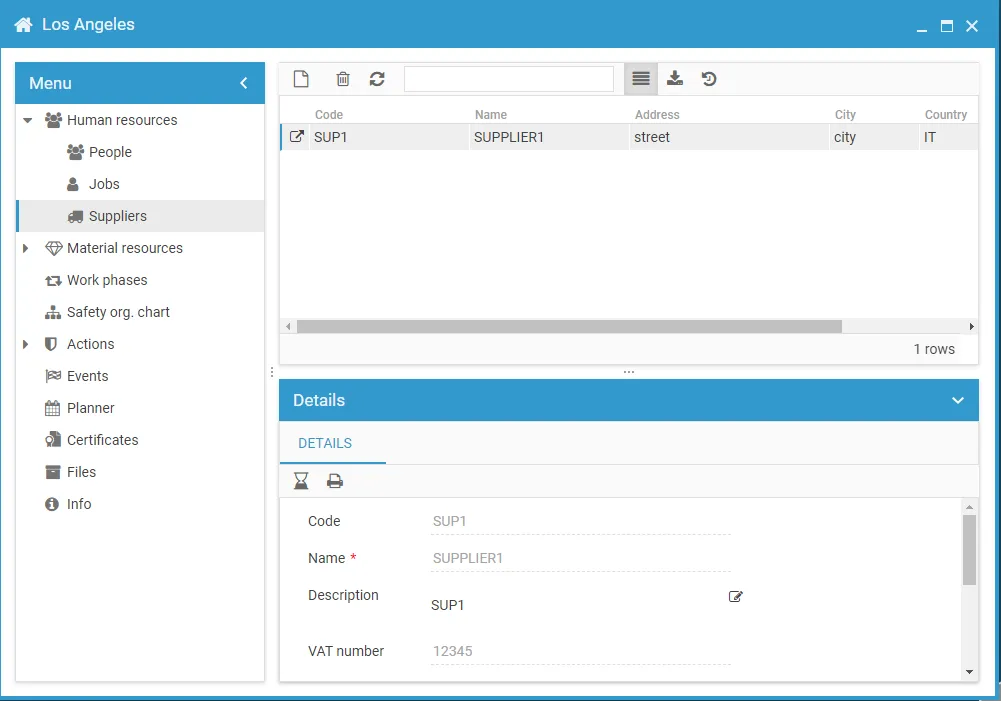
Select Suppliers from the menu.
-
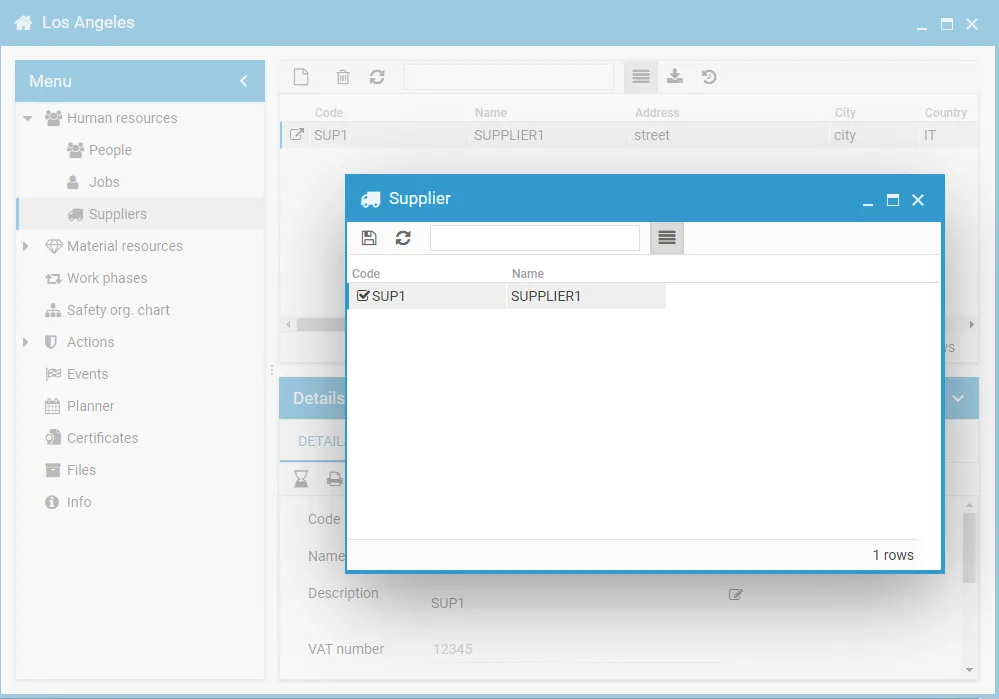
Click the New icon and select the supplier.
-
Click Save.
This site is protected by reCAPTCHA and the Google Privacy Policy and Terms of Service apply.