

Build a simple checklist
The simple checklist is the tool for custom operational forms: the operator confirms what was done, enters text, chooses from lists, signs.
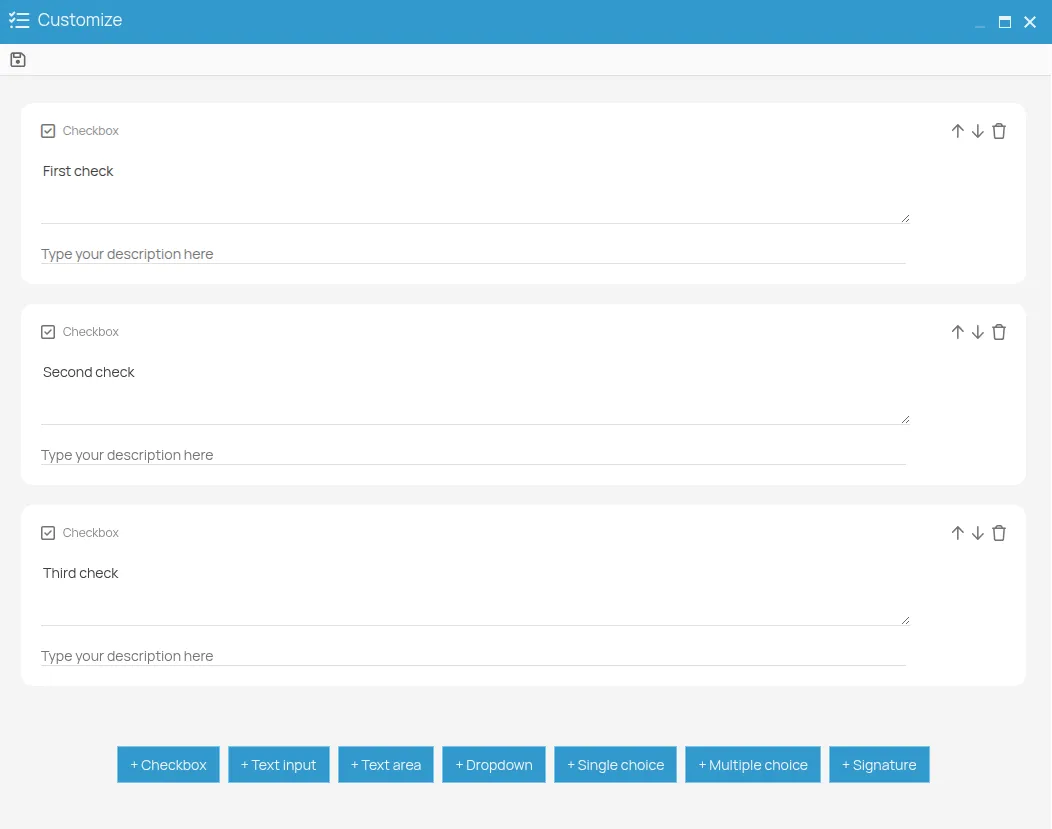
Once you have chosen this type in Configure a form on an action and saved the general information, the editor opens.
- Add the fields you need with the buttons at the bottom of the editor. The available types are listed in Form types and available fields.
- For each field, enter the question or label the operator will read, and an optional description.
- For dropdowns, radio buttons and selection groups, define the options one by one.
- Reorder the fields by dragging them into the sequence the operator should follow.
- Remove any field you no longer need.
- Click Save to activate the form.
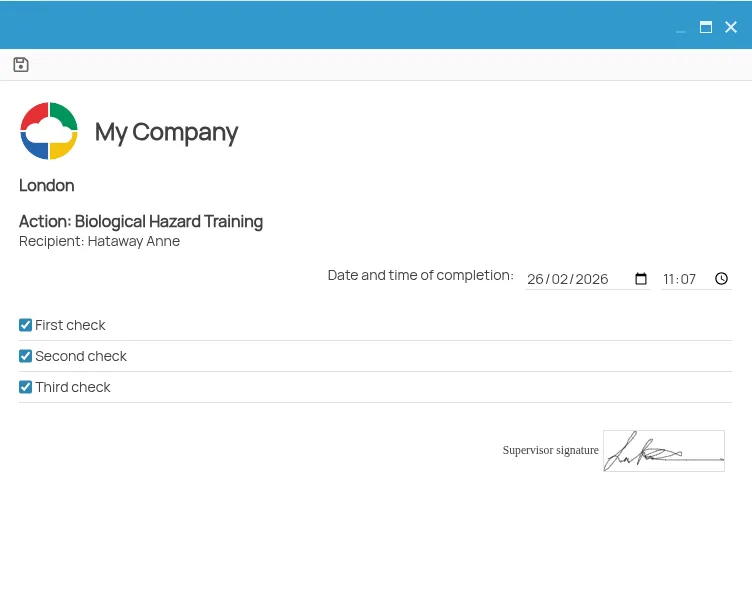
The checklist is prompted when a new certificate is created for the action it belongs to.
This site is protected by reCAPTCHA and the Google Privacy Policy and Terms of Service apply.