

Export a list to CSV
Any grid in 4HSE can be exported as a .csv file: people, offices, equipment, deadlines.
-
Click the CSV export icon in the grid toolbar.
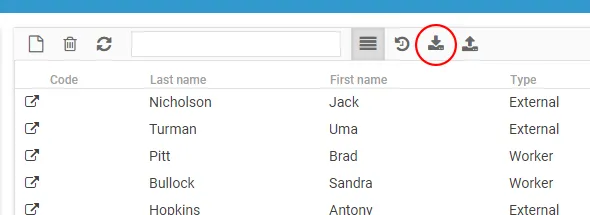
-
Choose the export mode:
| Mode | What you get |
|---|---|
| Visible columns only (default) | only the columns currently on screen, keeping the sort order applied to the grid |
| All columns | every available column. The sort order is not applied. |
- Confirm to download the file.
To go the other way and load data in, see Import a list from CSV.
This site is protected by reCAPTCHA and the Google Privacy Policy and Terms of Service apply.