

Attach files to an action
Files can be attached to any action. Storage is unlimited, per office and per project, and there is no restriction on file types.
- Select the action and open the Attachments tab — see Where attachments live.
- Either add a link to a file already in the archive, or upload a new file.
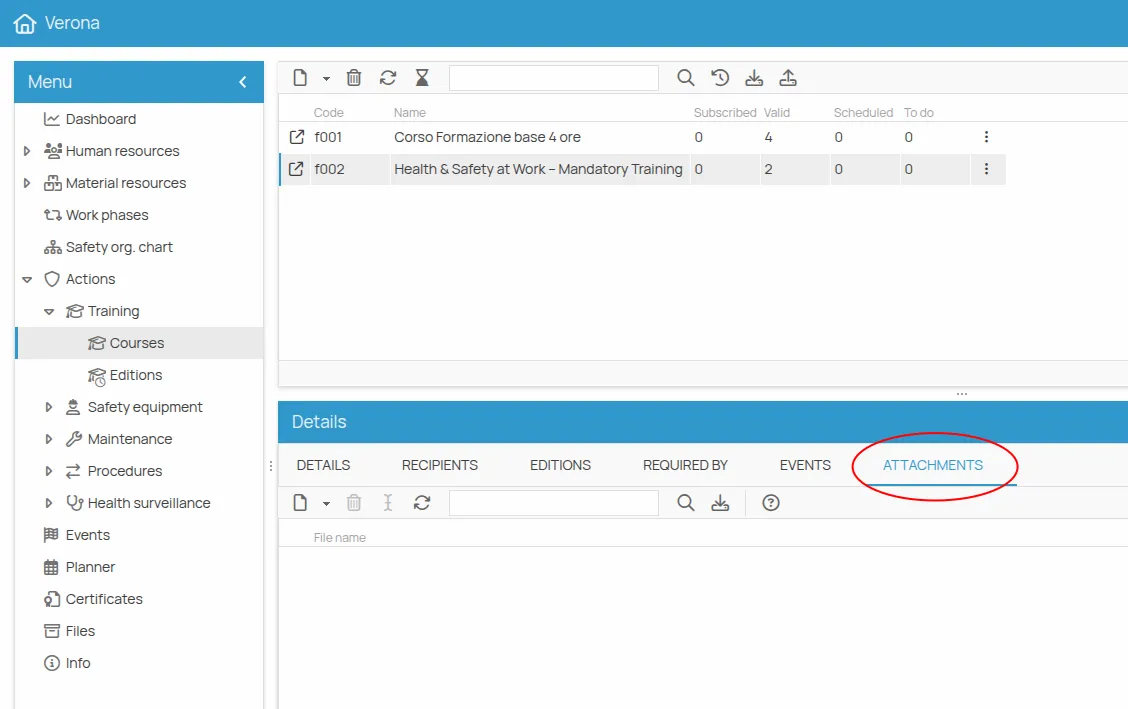
Use this for documents that belong to the action itself: the material to be delivered, a test to be administered, the technical sheet of a machine, the text of a procedure.
This site is protected by reCAPTCHA and the Google Privacy Policy and Terms of Service apply.