

Add a person
The People section holds the personal data of everyone involved in the project, whether internal or external to the company.
- Open the People menu.
- Click New.
- Fill in the personal data.
- Save.
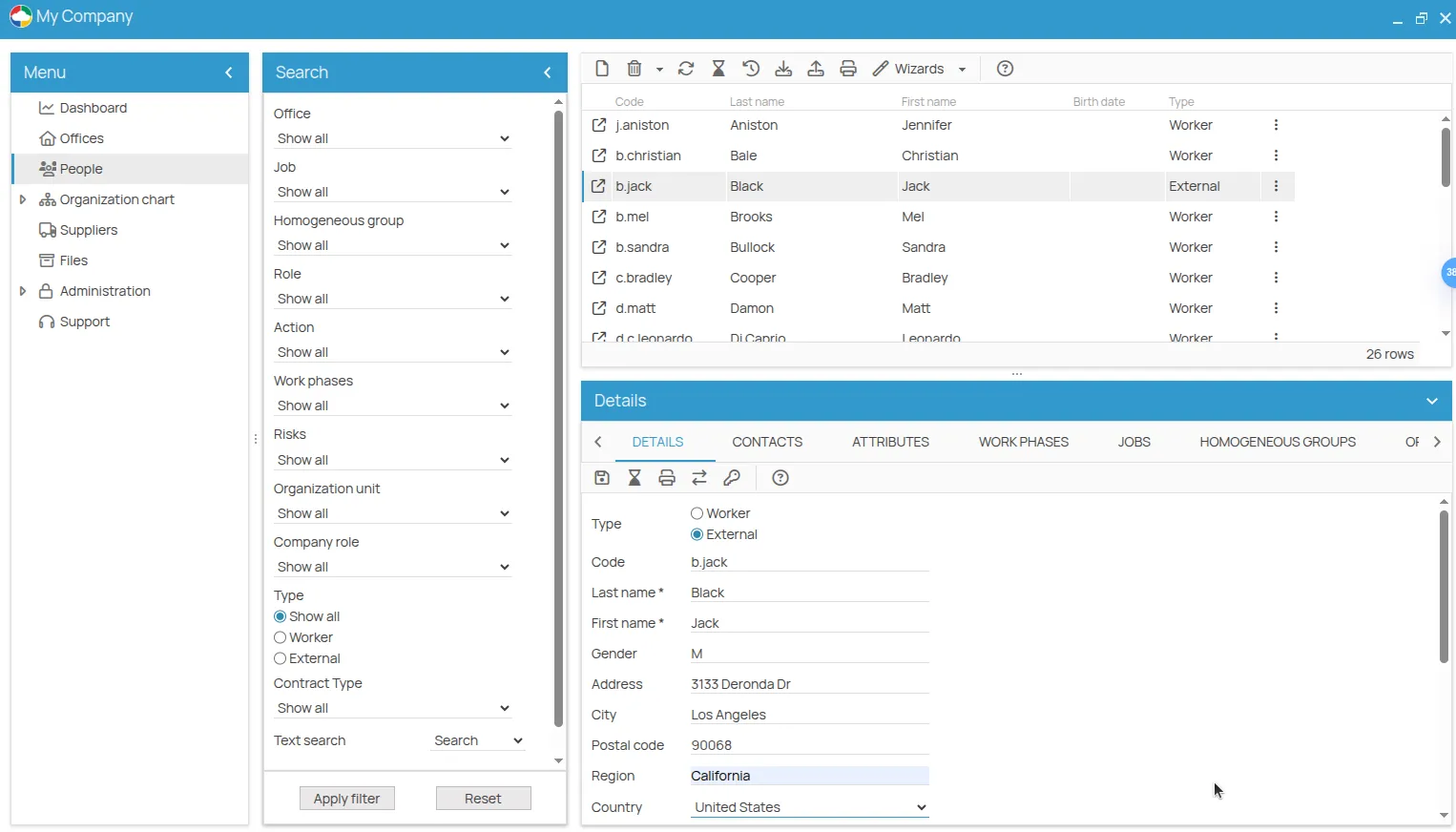
From the toolbar you can also:
- search for a person by first or last name;
- import and export the list in CSV format;
- show inactive people, who are hidden from the list by default.
Once registered, a person can be given contacts, linked to work phases and jobs, and assigned prevention actions.
The tabs of a person
Section titled “The tabs of a person”Selecting a person opens their detail, organised in tabs. Each shows the elements related to that person, when there are any.
| Tab | What it shows |
|---|---|
| Details | personal data and basic information, including the associated user and their permissions — see The associated user |
| Contacts | the contact channels. Informational only: they do not trigger notifications |
| Work phases | the work phases the person takes part in |
| Jobs | the jobs held |
| Homogeneous groups | the groups the person belongs to |
| Organisational units | the relevant organisational units |
| Safety organisation chart | the roles held in the safety organisation |
| Actions | the prevention actions assigned — see Prevention and protection actions |
| Events | injuries, near misses and non-conformities the person was involved in — see Incidents and events |
| Attachments | the documents attached to the person |
A certificate obtained by this worker, or their identity document, goes in Attachments here — not on the action. Attached to the action it would look as though it applied to every recipient of that action. See Where attachments live.
This site is protected by reCAPTCHA and the Google Privacy Policy and Terms of Service apply.