

Choose a template
When you open the print menu, 4HSE shows a dropdown with the recently used templates, up to five. The first time you print in that context the field is empty.
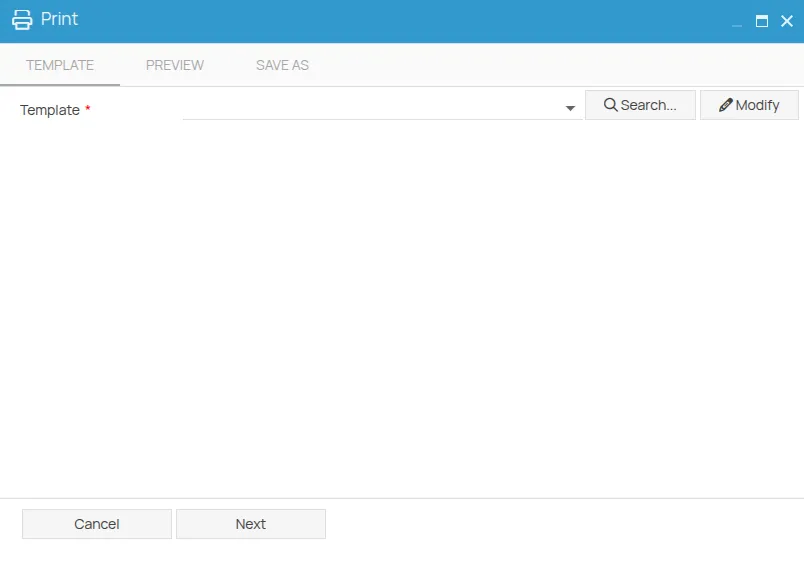
To use a different one, click Search. The selection window opens with three sources, selectable from the toolbar:
| Source | What it contains |
|---|---|
| Current project | the templates associated with this project. Active by default. |
| Partner | the templates provided by the partner |
| 4HSE | the templates provided by 4HSE |
Choosing Partner or 4HSE enables a country filter, to narrow the list to the templates built for a given country’s requirements. A text search is available too.
Once selected, the template is added to the recent list, so next time it is one click away.
You can modify the selected template before using it: Customise a template.
This site is protected by reCAPTCHA and the Google Privacy Policy and Terms of Service apply.