

Generate the verification QR code
The QR code is generated from the certificate, once it has been issued.
- Open the certificate detail.
- Click the Verification QR button in the toolbar.
4HSE generates a secure, temporary verification link and shows the corresponding QR code together with its expiry.
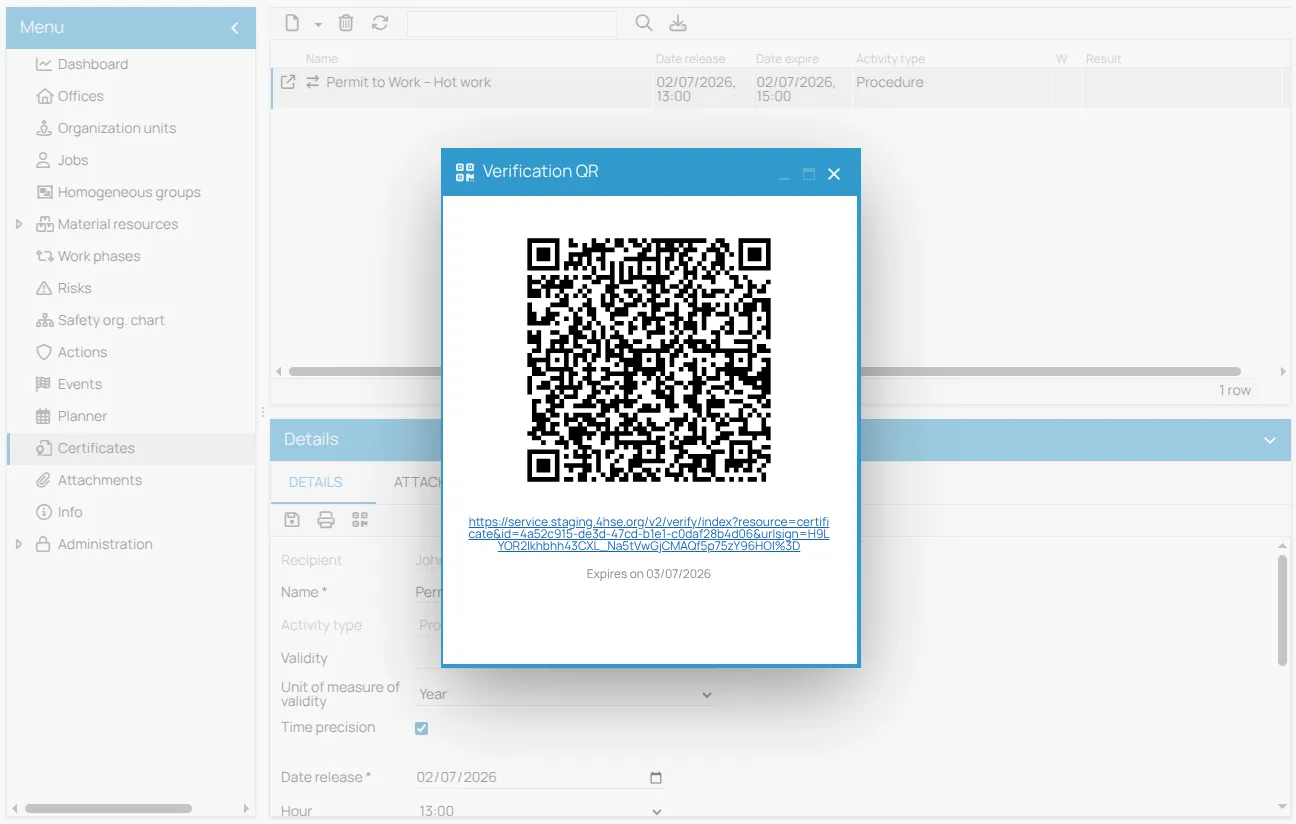
You can show the code on screen, print it, or embed it in the permit document.
When the link has expired and you need to share the permit again, generate a new QR from the same button.
This site is protected by reCAPTCHA and the Google Privacy Policy and Terms of Service apply.