

Approve or reject a request
This is the project manager’s side of the workflow. See Approvals for why the review exists.
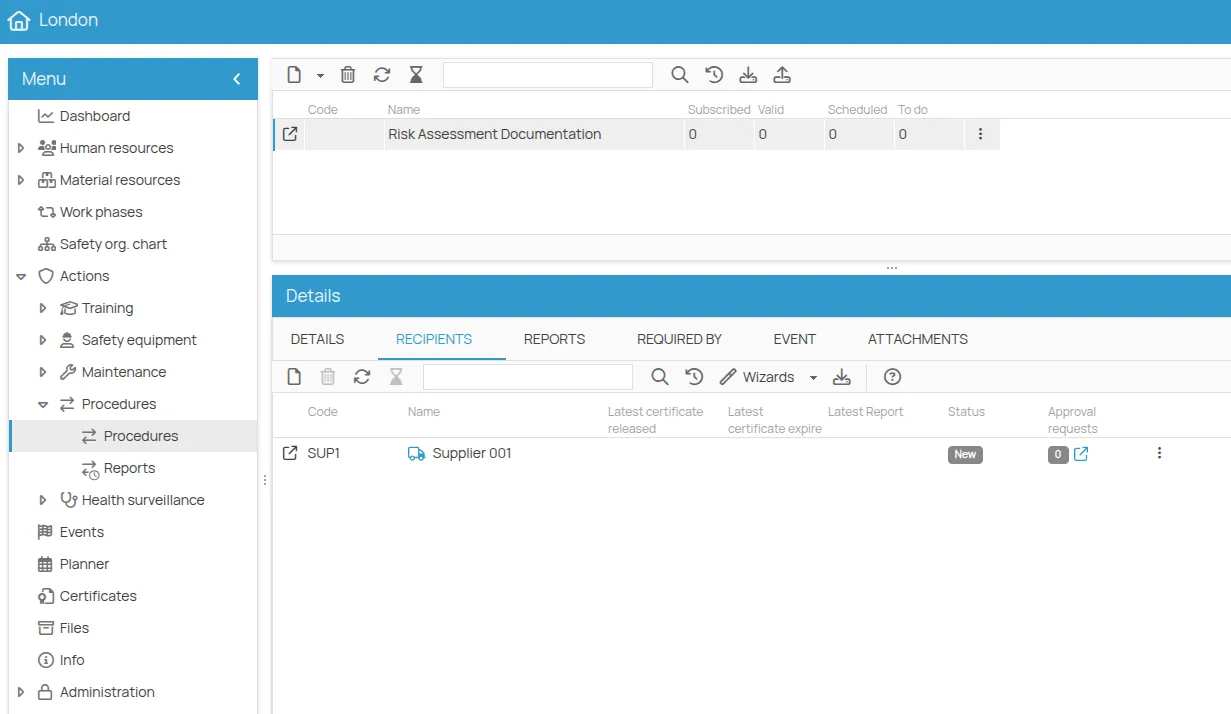
Assign a procedure to the supplier
Section titled “Assign a procedure to the supplier”The workflow starts here: only actions of type Procedure can be assigned to a supplier.
Receive the request
Section titled “Receive the request”When the supplier issues the certificate and links it to the action, the system generates the request and notifies you. The action’s status does not change until the review is complete.
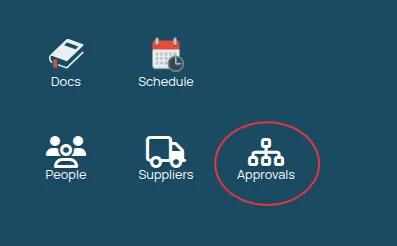
The Approvals icon on the desktop opens the list of the requests to handle.
Review and decide
Section titled “Review and decide”For each request you can review the certificate details and the file uploaded by the supplier. Then:
- Accept — the certificate is validated and the action in the schedule becomes Valid. The supplier is notified of the positive outcome.
- Reject — the request is refused. Give the reason in the notes field: the supplier receives it with the notification, and has to submit a new request.
This site is protected by reCAPTCHA and the Google Privacy Policy and Terms of Service apply.