

Link sources, hazards and risks to a phase
This is where a work phase stops being a name and becomes assessable. See Risk assessment for why the order of these steps matters.
Open the work phase from the office menu, under Work phases, then:
-
Link the sources — the environments, the equipment and the substances the phase uses.
-
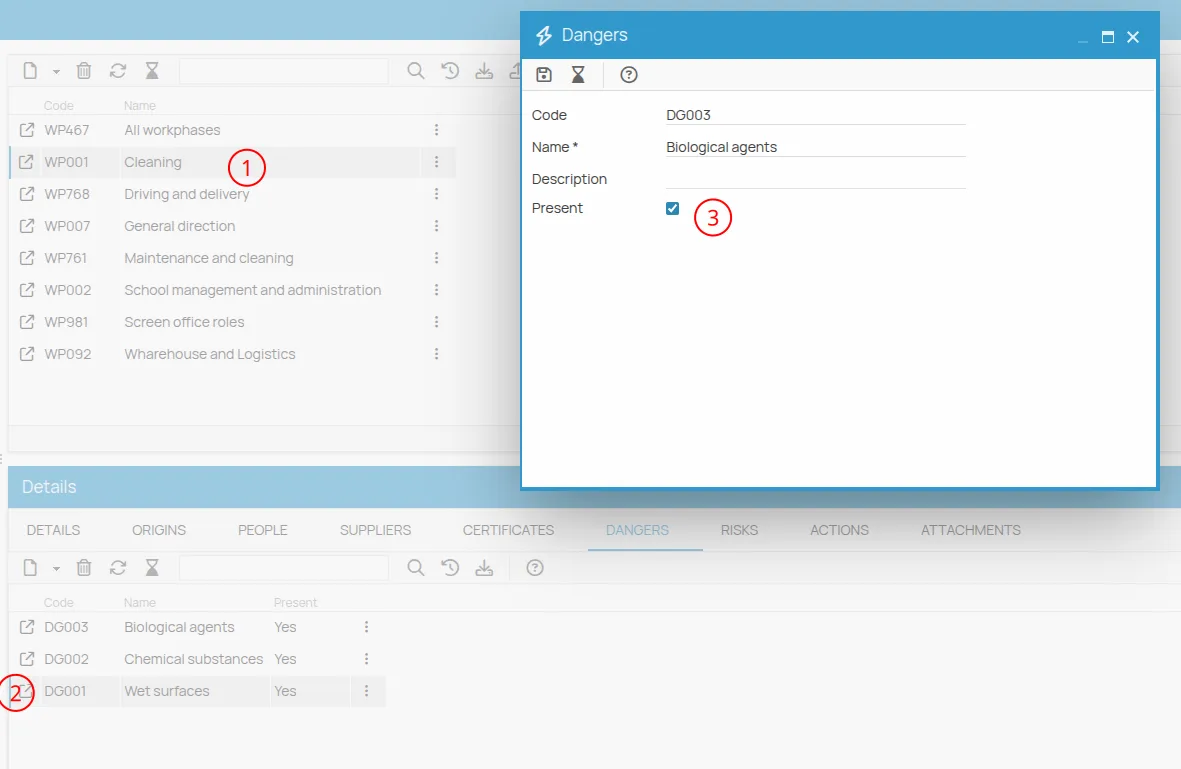
List the hazards, linking existing ones or creating new ones.
-
Tick the Present flag on the hazards that are actually there in this phase. Only then do they appear in the Risks tab, with initial, variation and final values at 0.
-
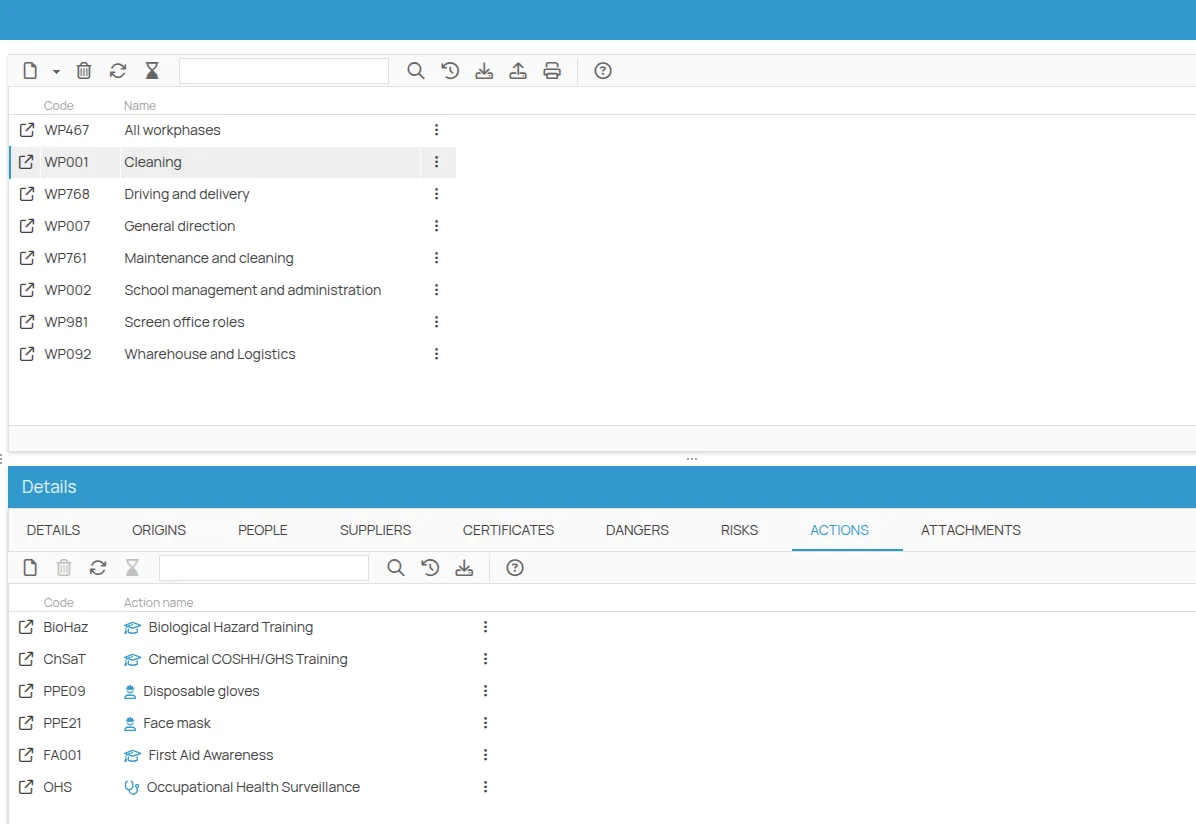
Link the mitigation actions — the prevention actions that reduce those risks.
-
Link the people involved in the phase.
-
Optionally, link the suppliers that carry out the phase.
The risks now exist with a value of 0. Giving them a value is the next step: Assess a risk.
This site is protected by reCAPTCHA and the Google Privacy Policy and Terms of Service apply.