

Change your password
The password is the main way into the platform. You can change it at any time from the account panel — if you cannot log in at all, use Reset your password instead.
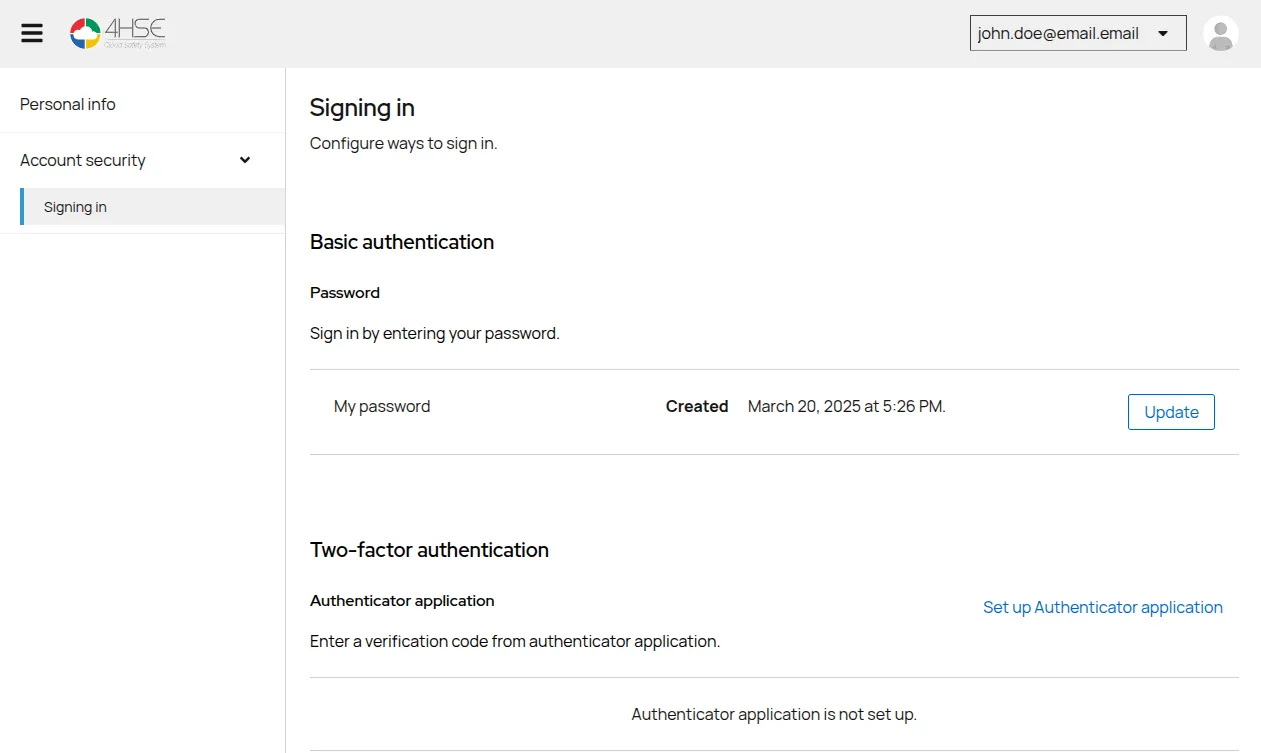
- Open the account panel and go to Account security > Access settings.
- Click Update in the password section.
- Enter your current password, to confirm it is you.
- Type the new password, following the requirements shown.
- Type it again to confirm.
- Click Save.
This site is protected by reCAPTCHA and the Google Privacy Policy and Terms of Service apply.