

Choose the start screen
4HSE has two screens, both always available: the Home, with the dashboards and the shortcuts, and the desktop, with the project icons and the windows. You switch between them at any time with the Start button at the bottom left of the taskbar.
This preference only decides which of the two opens at startup.
- From the user menu, open User preferences.
- Go to Start screen.
- Click the preview of the desktop or the preview of the Home.
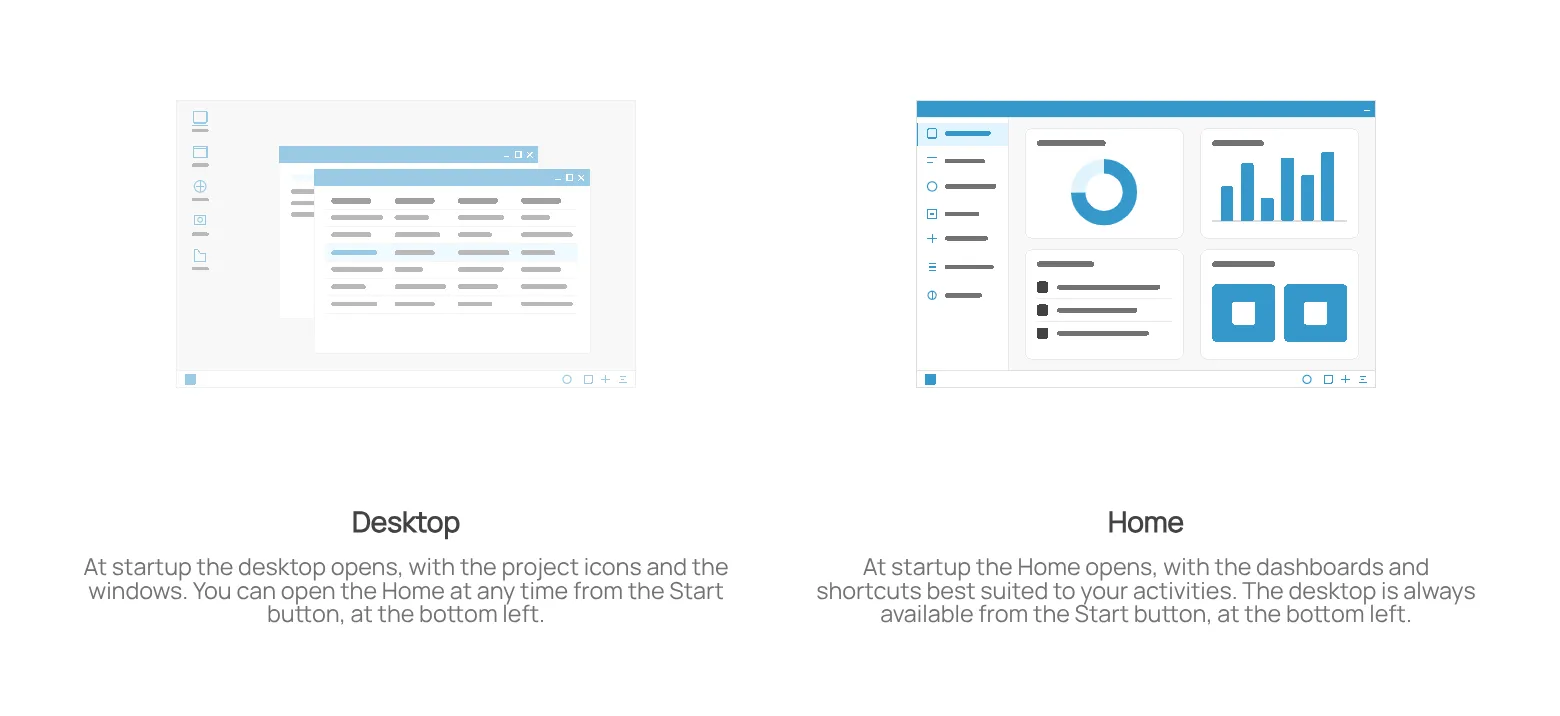
A single click saves the setting, which applies from the next startup.
This site is protected by reCAPTCHA and the Google Privacy Policy and Terms of Service apply.