

Add an office
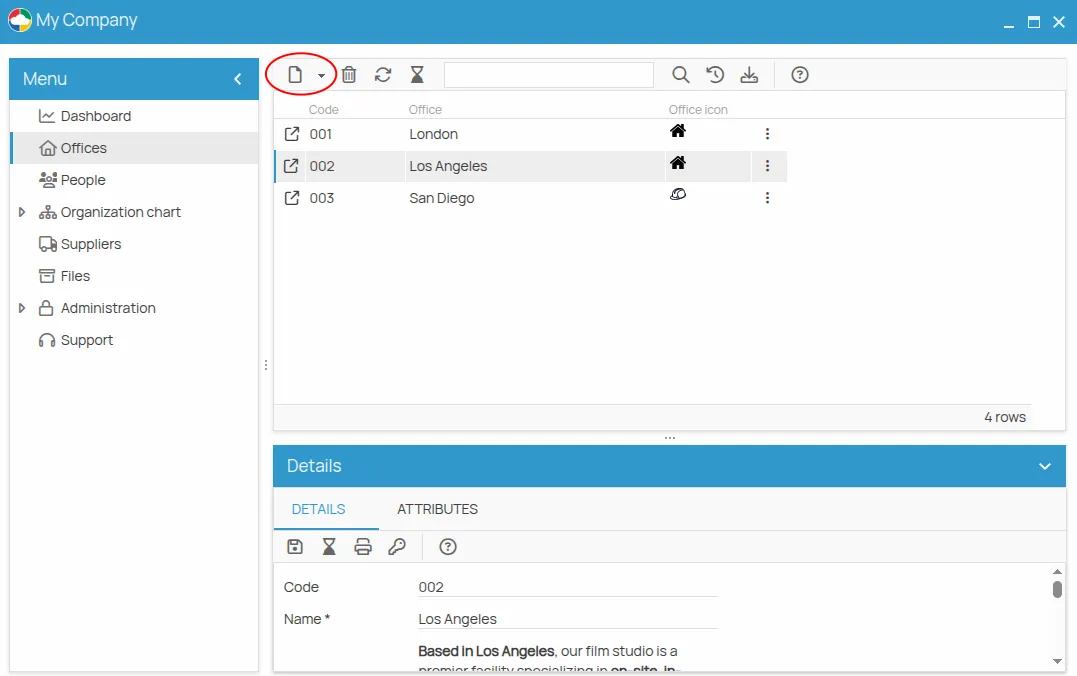
The Offices section of a project lists all the operational sites you have added.
- Click New.
- Fill in the required fields.
- Save.
Choose the columns first
Section titled “Choose the columns first”Right-clicking the grid header lets you choose which additional information is shown in the list.
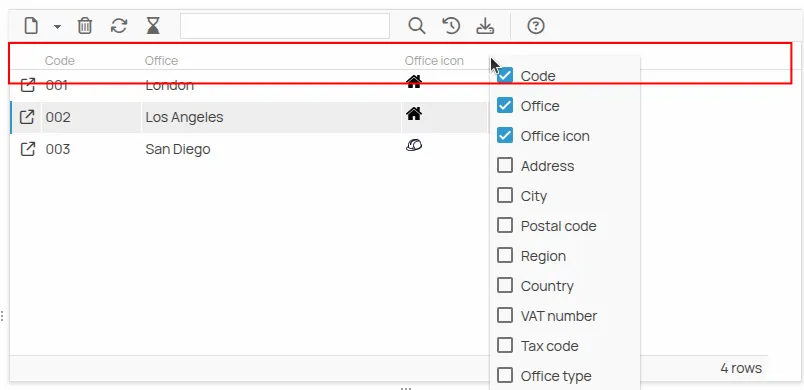
This is not only cosmetic: only the displayed data is exported, so arranging the columns is the step that decides what a CSV export will contain — see Export a list to CSV.
What an office holds
Section titled “What an office holds”Selecting an office opens its detail, with:
- Details — the fields of the office, its history, and the project-level printing;
- Attributes — custom information such as surface area or ceiling height, which can be added to an office as to any other resource.
This site is protected by reCAPTCHA and the Google Privacy Policy and Terms of Service apply.